
For UK players, email verification is a routine part of opening and managing an online casino account. At Spreadex, it helps confirm that the email address linked to an account belongs to the player and can receive important messages about security, account activity and services. It is a useful check, but it is not the same as full identity verification: Spreadex may request additional information or documents where required.
This review explains how to approach email verification, what to do if a message does not arrive, and how to stay safe while completing account checks. Procedures can change, so use the current instructions shown in your account or provided by Spreadex support rather than relying on old links or advice from third parties.
What email verification means
Email verification is a confirmation step in which Spreadex sends a message to the address supplied during registration. The email may contain a link or another instruction for confirming that the address is accessible. Once the step is completed, the account can be associated with a verified contact address.
A verified address can help you receive account notifications and contact the operator if you need assistance. It also reduces the chance of losing access because of a mistyped address. It does not, on its own, prove your identity, age, address or payment ownership. UK gambling operators can carry out separate checks to meet legal and responsible-gambling obligations.
How to complete the process
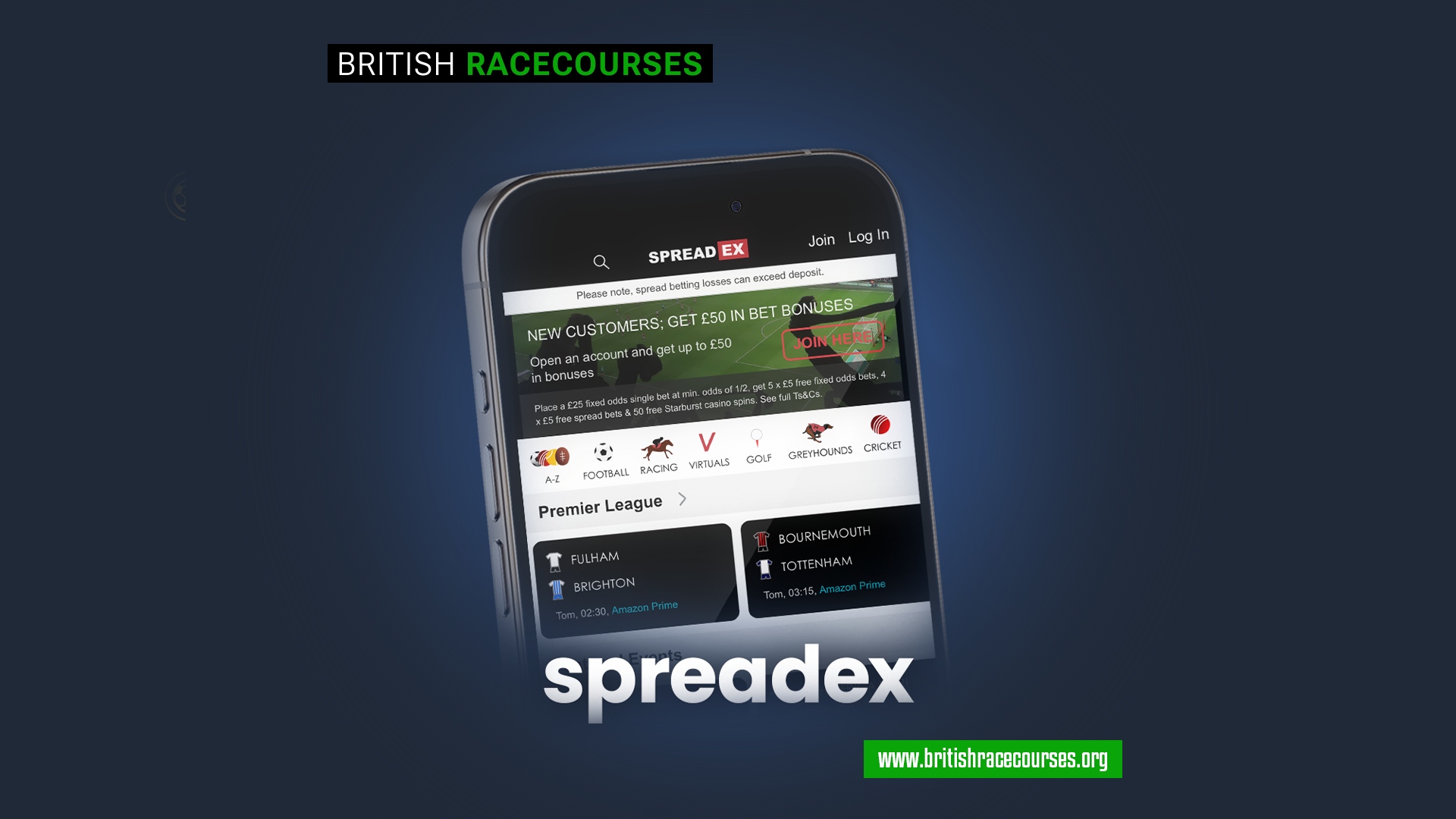
- Enter an email address you control. Check spelling carefully during registration. A personal address that you can access regularly is generally more practical than a work or temporary inbox.
- Look for the verification message. Check the inbox associated with the address you entered. Also inspect spam, junk, promotions and other filtered folders.
- Follow the account-specific instruction. If the message includes a confirmation link, make sure it is consistent with the instructions shown on the official Spreadex website or app before using it.
- Return to your account. Sign in through the official site or app and check whether the account indicates that the email step is complete.
- Contact support if needed. If you cannot verify the address, use the contact options listed on Spreadex’s official website. Do not send passwords or full payment details by email.
Some players may not see the same screen or receive exactly the same message. Account status, product, security checks and changes to the service can affect the steps. The instructions displayed for your account are the best guide.
When the email does not arrive
First, allow a little time for delivery. Then check that you are looking in the correct inbox and that the address on the account is accurate. A spelling mistake, a full mailbox, a provider’s filtering rules or a temporary delivery delay may prevent the message from appearing where expected.
If the address is wrong, do not create multiple accounts to work around the problem. Sign in if possible and look for a secure option to update your contact details. If you cannot access the account, ask Spreadex support to explain the appropriate recovery process. Be prepared to answer account-security questions, but only provide information through a channel you have verified as official.
Expired links and repeated requests
A verification link may stop working after a period of time, or after a new message has been issued. If a link produces an error, return to the official account page and request another message only if the service offers that option; Avoid clicking several old links from your inbox; use the newest instruction and check that it belongs to your account.
If repeated requests do not help, pause and contact customer support. Sending many requests in quick succession can make it harder to identify the current message and may trigger security protections. Support can confirm whether the email step is outstanding and advise what to do next;
Security and privacy checks
Verification messages are a common subject for phishing attempts. A message that uses Spreadex’s name is not automatically genuine. Be cautious of unexpected requests for passwords, one-time security codes, card details or payment to “unlock” an account. Do not reply with sensitive information or install software at the request of an email sender.
- Open the Spreadex website by typing its address yourself or using a saved, trusted bookmark.
- Check the sender and the destination of any link before proceeding, but remember that display names can be misleading.
- Never share your password or a security code with someone claiming to be support.
- If a message seems suspicious, do not use its links. Contact Spreadex through details published on its official website.
- Keep your email account secure with a unique password and any available multi-factor protection.
Email verification is only one element of account security. Spreadex may also need to verify a player’s identity, age, address or payment method. UK operators must apply checks in line with applicable requirements, and the timing can differ between accounts. A verified email should not be taken as confirmation that every other check has been completed.
Promotions, offers and the small print
Players sometimes verify an email because they expect to receive information about promotions. Do not assume that confirming an address automatically qualifies you for a bonus, free bet or casino offer. Availability, eligibility and terms depend on the specific promotion and the account. Read the offer’s conditions on the official site, including any wagering requirements, expiry dates, game restrictions and withdrawal rules.
If an email advertises a promotion, compare it with the information shown after signing in. Be wary of messages that create unusual urgency or direct you to a non-official page. If you are wondering what is the best time to claim a special offer, the sensible answer is to claim only after checking that it is currently available to your account and that you understand its conditions. There is no universal best time that applies to every player or promotion.
Common questions
Does email verification mean my Spreadex account is fully verified?
No. It confirms access to the email address, if that is the step requested. Spreadex may conduct additional age, identity, address or payment checks separately.
Can I change my registered email address?
Use the account settings if they provide a secure way to update it. If you cannot sign in or the option is unavailable, contact Spreadex support through an official channel. The operator may need to confirm your identity before changing account details.
What if I clicked a link but it did not work?
Do not keep retrying an old link. Sign in through the official website or app and request a new instruction if that option is available. If the problem continues, ask support to check the account.
Can I use someone else’s email address?
It is better to use an address that you personally control. Access to the registered inbox may be needed for security notices and account recovery. Using another person’s address can create privacy and access problems.
Will support ask for my password?
You should not share your password or one-time security codes. If someone claiming to be support asks for them, stop the conversation and verify the contact details using Spreadex’s official website.
Overall assessment
Email verification is a straightforward but important account-maintenance step for UK players using Spreadex. Its main benefits are confirming access to a contact address and helping the operator communicate with the account holder. Most issues can be addressed by checking the registered address, reviewing filtered folders and following the latest instructions presented through official channels.
The process is not a guarantee against every security risk, and it does not replace identity or age checks. Players should protect their inbox, treat unexpected messages cautiously and contact support when account instructions are unclear. As with any online casino service, review the current terms, eligibility rules and safer-gambling tools before playing, and only gamble with money you can afford to lose.
